Home > Student Life and Resources > Accessibility Services > Testing Instructions Form
This form requires you to sign in with your Pikes Peak State College Microsoft account before uploading files.
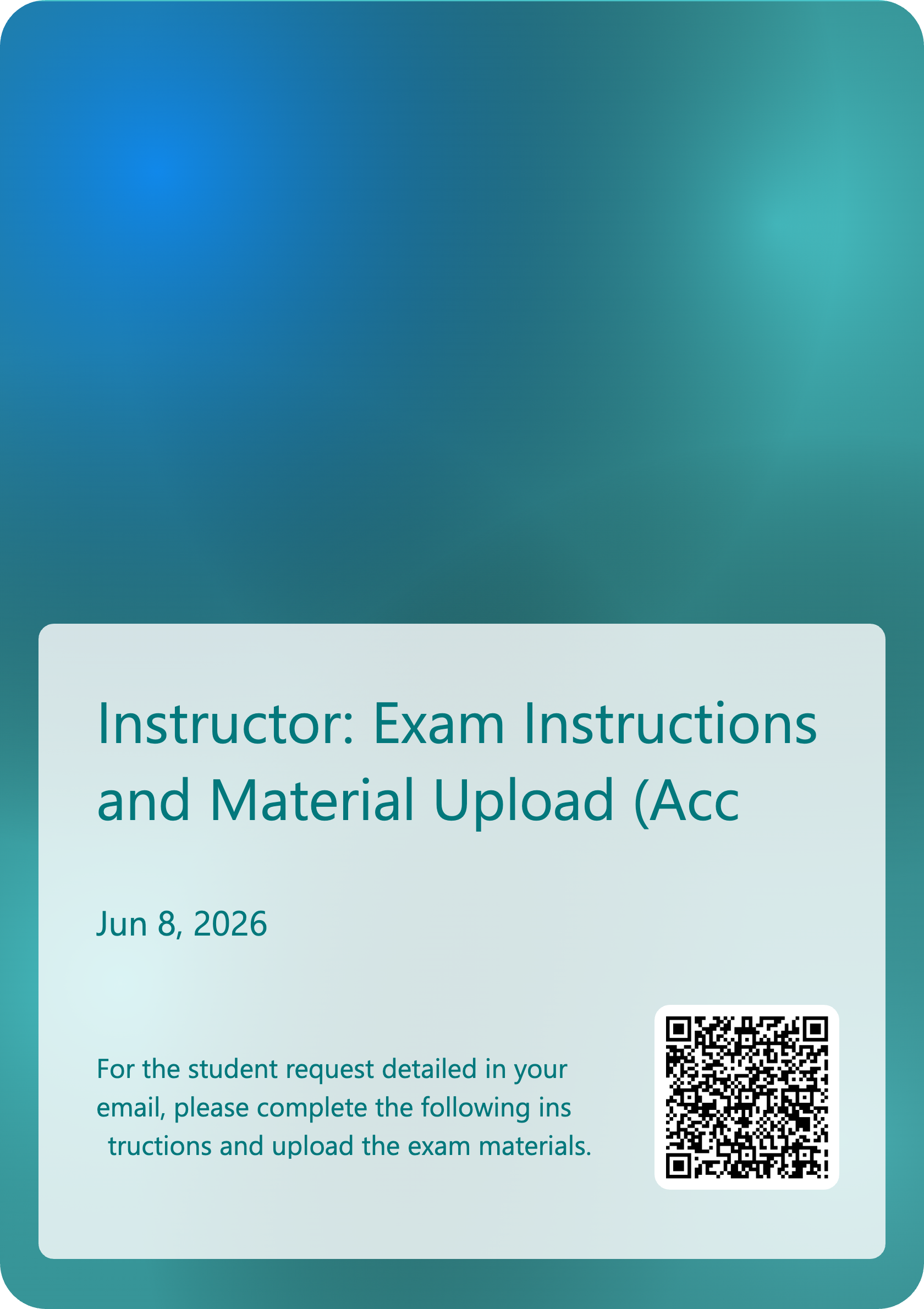
If the embedded form below does not load, use the button below to open the form in a new window or scan the QR code.
Scan the QR code below or use the link to open the form in a new window.